Here’s how this improves Napkin experience:
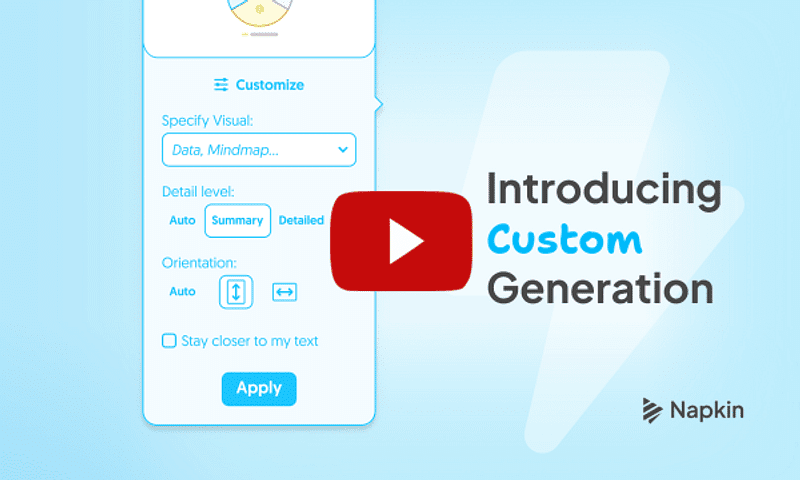
- Specify Your Visual Type: Need a flowchart, mind map, table, or something else? Just type what you need and Napkin will generate the closest matching visual – giving you control over the output.
- Choose Visual Orientation: Select from vertical, horizontal, square, or let Napkin Auto decide the best orientation – so your visuals fit perfectly in presentations, social posts, documents, and more.
- Control Visual Depth and Text: Go for detailed breakdowns when you need specifics, or choose summary views for the big picture. Plus, keep your original wording intact by checking "Stay closer to my text.”
This is another step towards making visual generation effortless – so you spend less time fixing and more time creating exactly what you want.
We'd Love Your Feedback
Try the Custom Generation now at Napkin.ai and let us know what you think! Reply to this email or reach out to us at contact@napkin.ai with your feedback or suggestions.
Don’t forget to follow us on Twitter (X) and LinkedIn for the latest updates.
Cheers,
Team Napkin

No comments:
Post a Comment